The Dashboard is now your company home
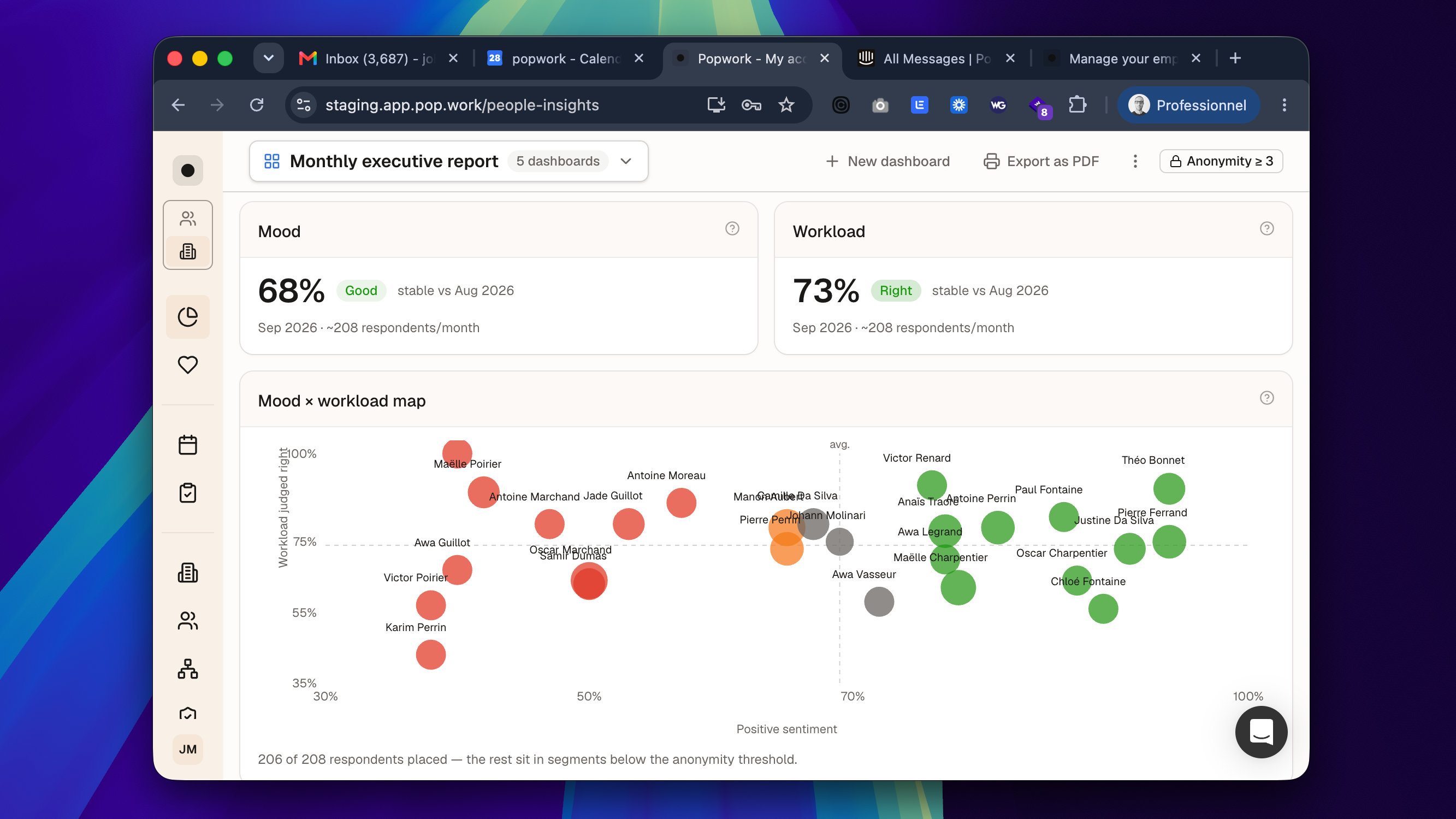
People Insights has graduated from beta.
It is now called Dashboard, it is open to every company account, and it is the first thing admins see when they open Popwork. No request, nothing to activate.
A dashboard from day one
The first time you open it, Popwork builds a ready-to-read dashboard for your company: mood and workload with their trends, a breakdown by division (or by team while your organization is not filled in yet), areas to watch, and adoption and ritual regularity.
It opens on the current month, compared with the same days before, which makes it a good page for your monthly review.
Build the views you need
- Start from a question. Add widgets by asking what you want to know: Where is it getting worse? Are the rituals happening? What are the teams saying? Or pick from the suggestions made for your company.
- Several dashboards. Create one per audience (executive committee, CHRO, HRBPs) and switch between them in one click. Popwork reopens the last one you viewed.
- More control. Preview each widget with your data, choose where it goes and how wide it is, add section titles, and undo. The Adoption widget lets you choose its columns.
- Any period. Pick last month, the last 3, 6 or 12 months, or your own range of up to 12 months.
A clearer summary of the period
The written read of the period is now organized as Summary of the period, Points of tension and Strengths, alongside the words that come back most in your teams' answers.
It is still generated from aggregated figures only: never a quote, never a name, never a group below the anonymity threshold.
Your own traits: split results the way your company works
Admins can now create their own traits (site, job family, region, contract…) from the Organization page, fill them in for one or several people at once, rename them, hide them from the dashboards, or delete them.
A new trait shows up right away as a column in Users and as a breakdown in your dashboards once a group has at least 3 people.
Smaller improvements
- In a team workspace, the tab formerly called "Insights" is now Trends.
- The Dashboard is available in all six languages of the app.
Learn more:The Dashboard (formerly People Insights) and Manage your people's traits in the Help Center.