Company space: clearer permissions & a better users table
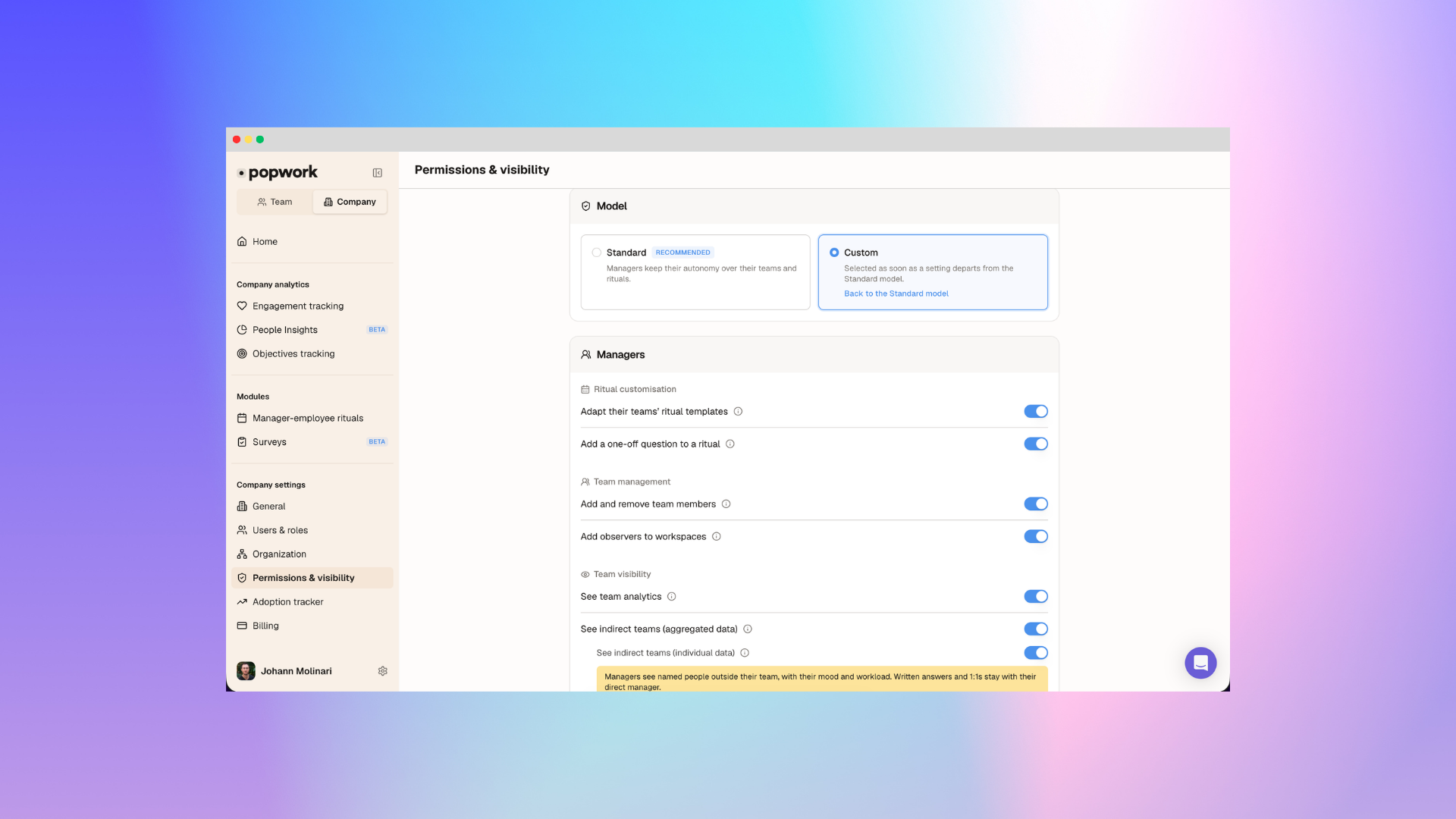
We've reworked two pages admins use every day:
- Roles & permissions: choose a Standard or Custom model, with options grouped by who they concern
- Users & roles: a table that fills your screen, with sorting and clearer roles
- Dialogs that stay usable on small screens
Roles & permissions, reorganised 🔐
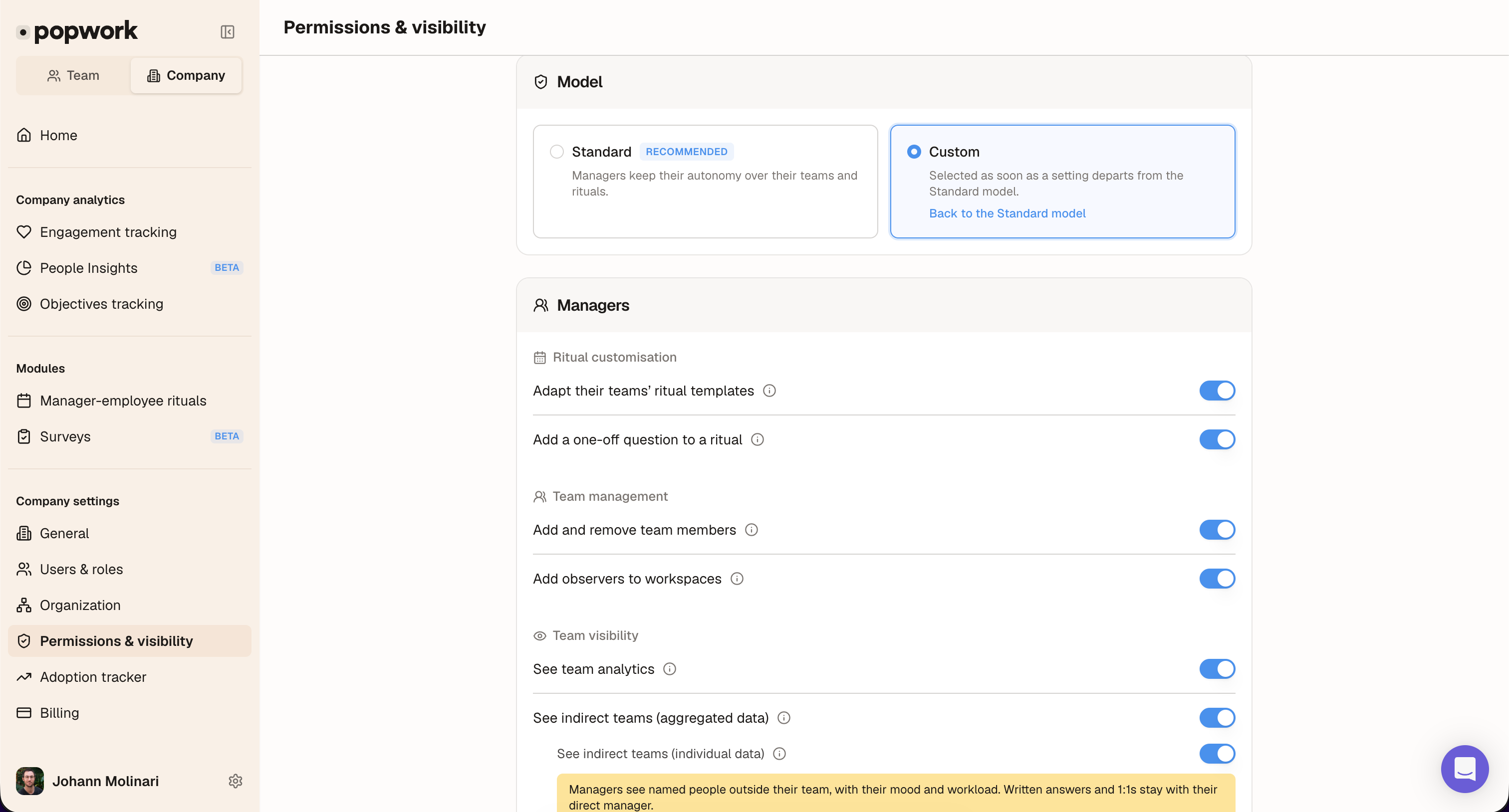
- Standard or Custom.Standard is the recommended setup. The page switches to Custom the moment you change an option, with a link back to Standard. The old "Minimal" model is gone.
- Options grouped by audience. Managers (ritual customisation, team management, team visibility, surveys), then Employees.
- Clearer names. Each option states what it allows (for example, adapting ritual templates, not only adding questions). Details sit behind an (i).
- New: "Send surveys". Managers can send surveys only once an admin enables it here. It's off by default.
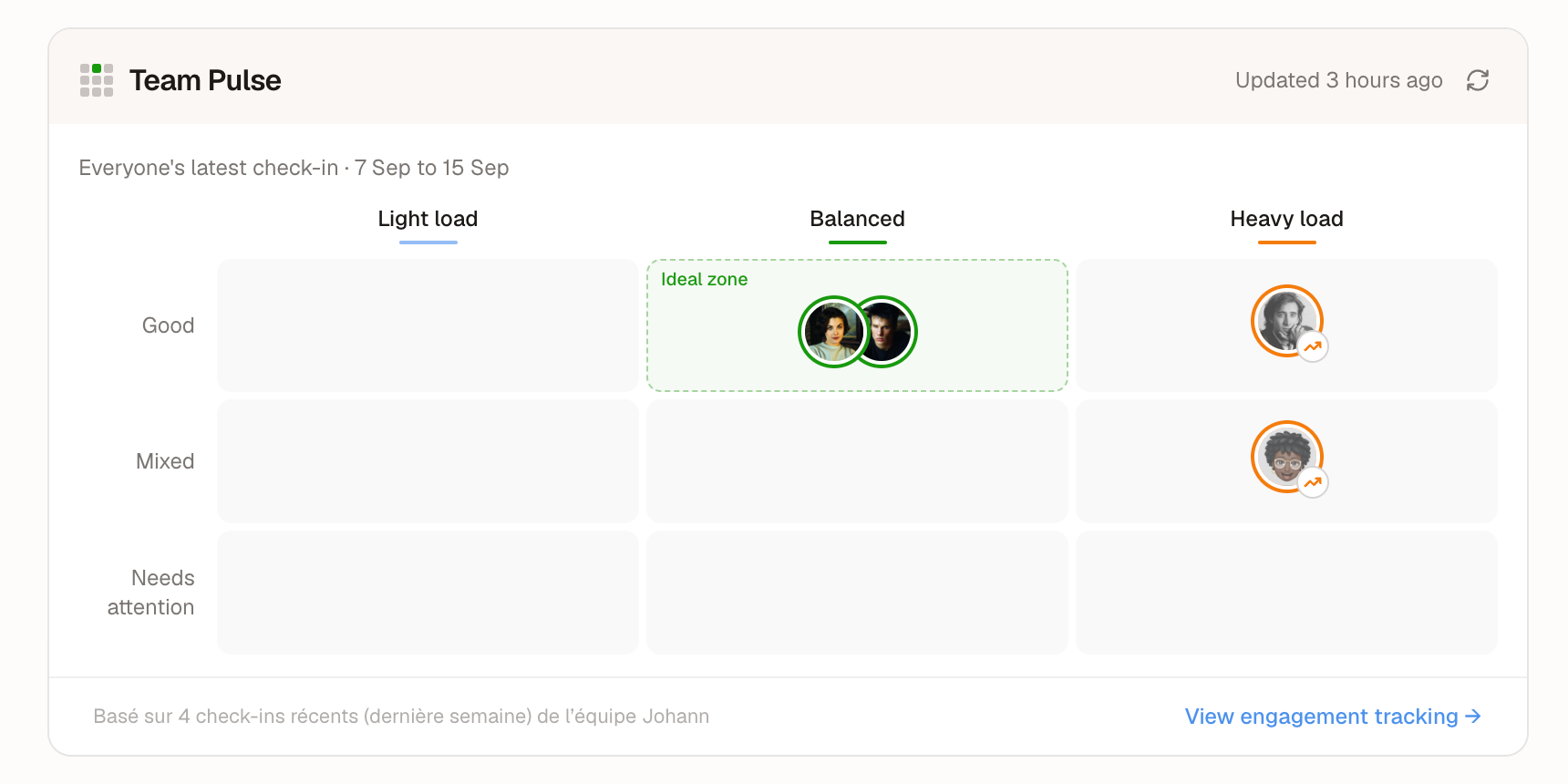
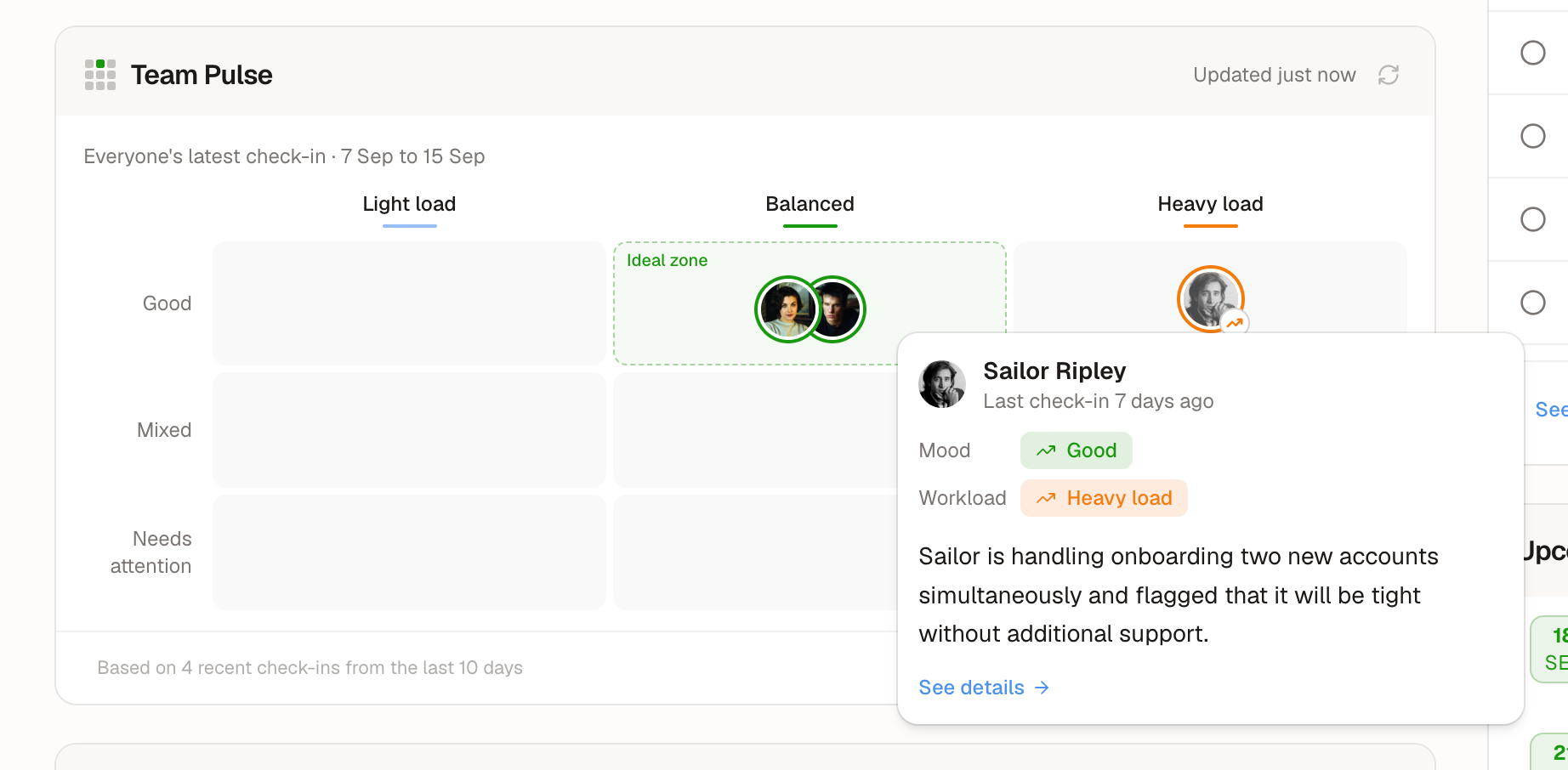
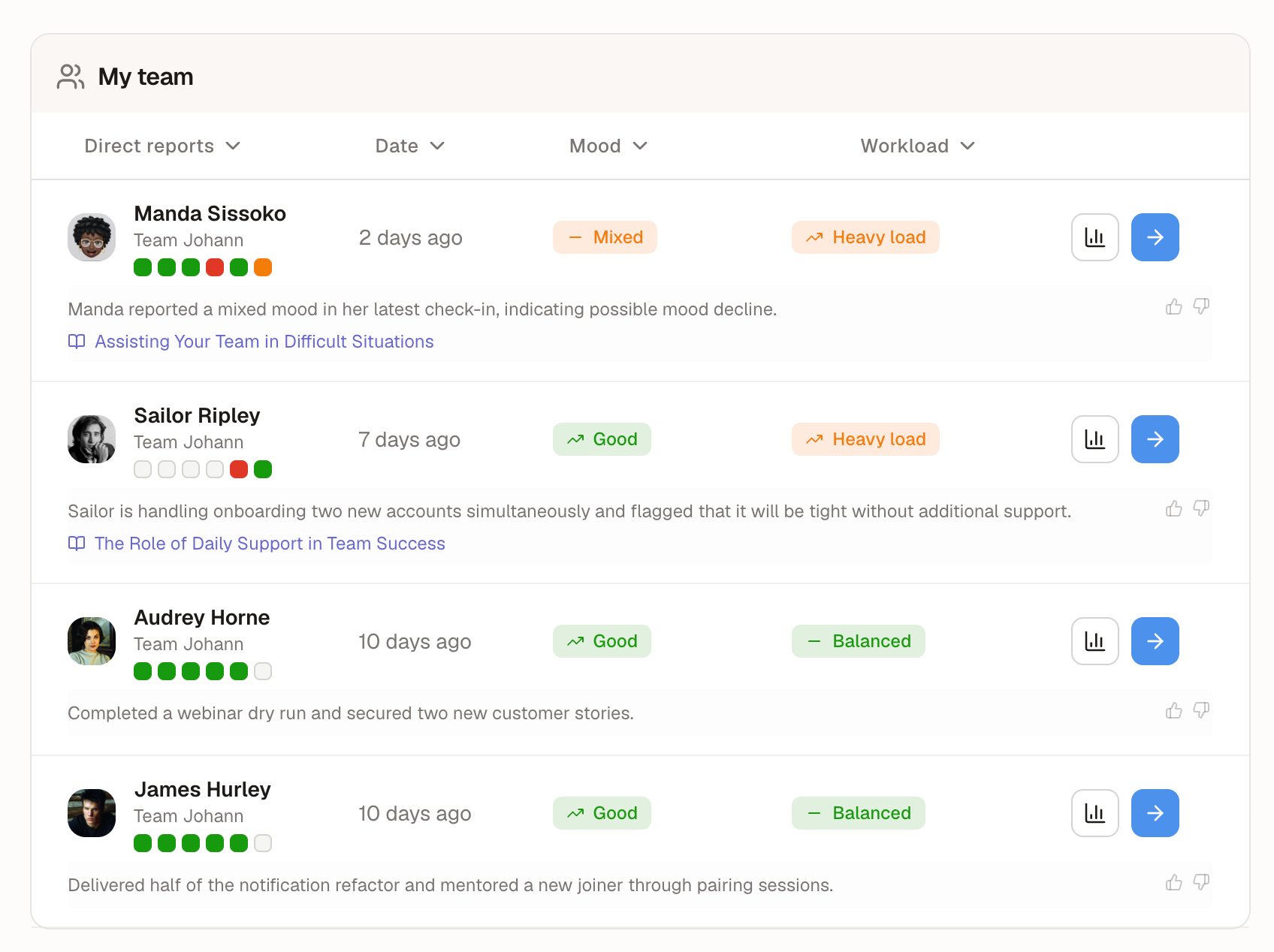
Good to know — "See team analytics". Turning it off used to empty the manager's whole home page. Now the Team Pulse (matrix, members, check-ins) always shows. The setting removes the analysis: the team's AI brief, the Trends tab and its history, and a member's analysis.
Nothing changes for existing accounts: Standard is what an account with no saved settings already had.
A users table that fits your screen 👥
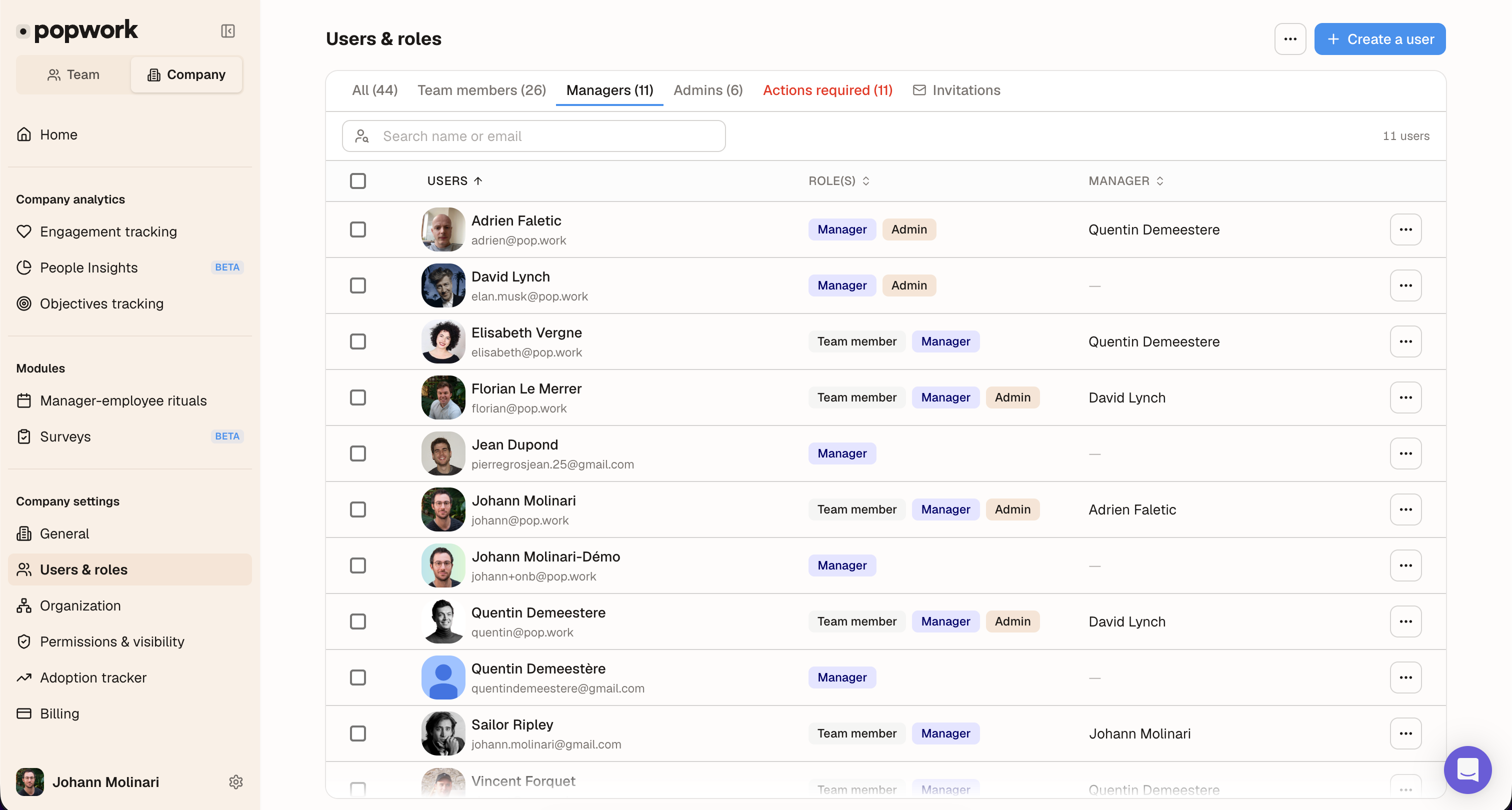
- Fills the screen with a single scroll, and the user count shown next to the search
- Denser rows: more users visible at once
- Sort by user, role (admins, managers, members, then no role) or manager
- One colour per role, and "No role · to assign" written out in words so you can spot who still needs a role
Dialogs on small screens
On a short screen, or when zoomed in, the "Create a user" dialog could hide its submit button. Dialogs now scroll when they're taller than the screen.