Changelog

Follow new updates and improvements to Popwork.

Week 12 - Due date on action items ⏰

We have shipped one of the most requested features!

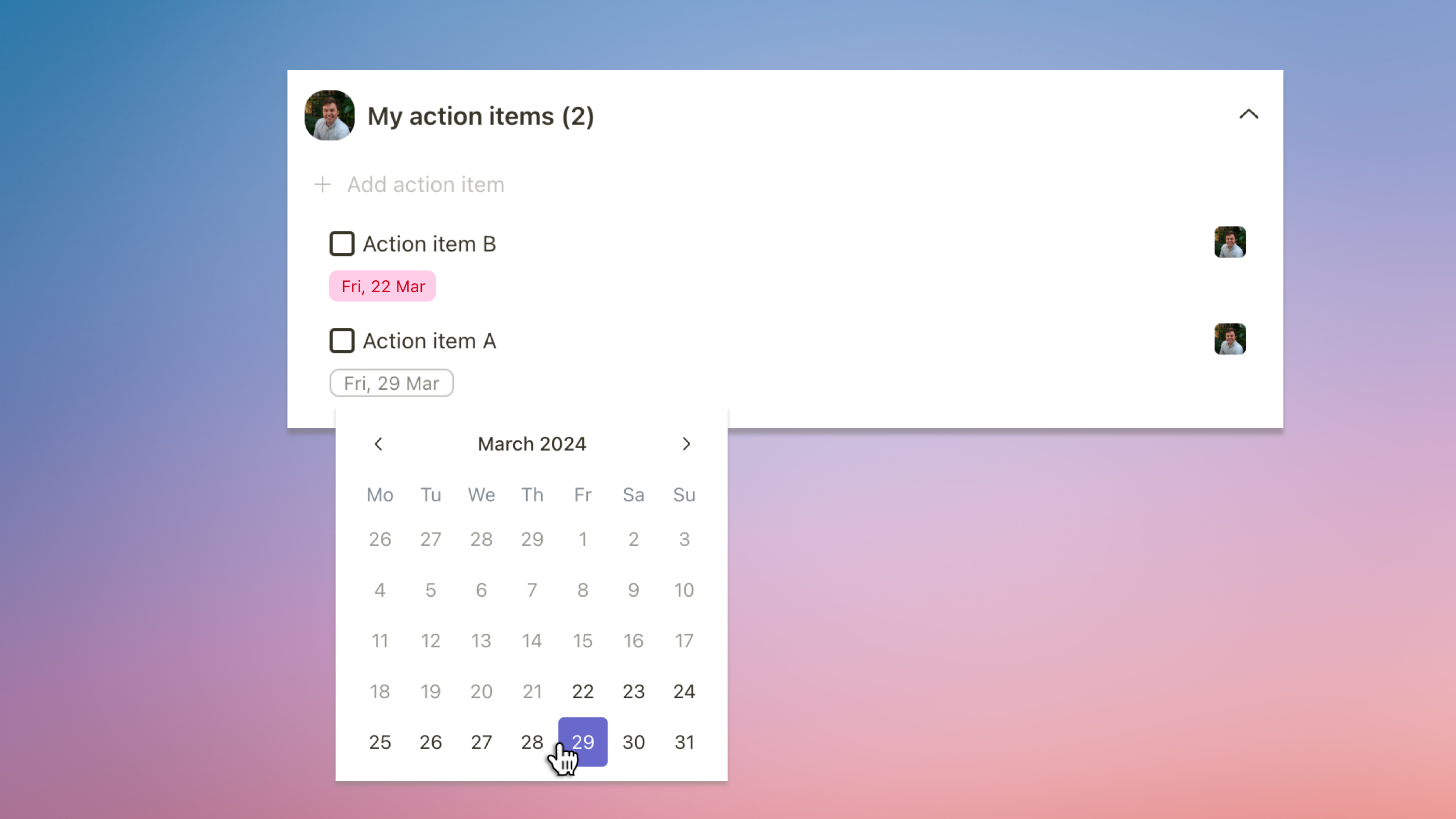
You can now add a due date to an action item. Simply hover over the action and click on the clock that appears on the right to select a date. When this date expires, it will appear in red to alert you.

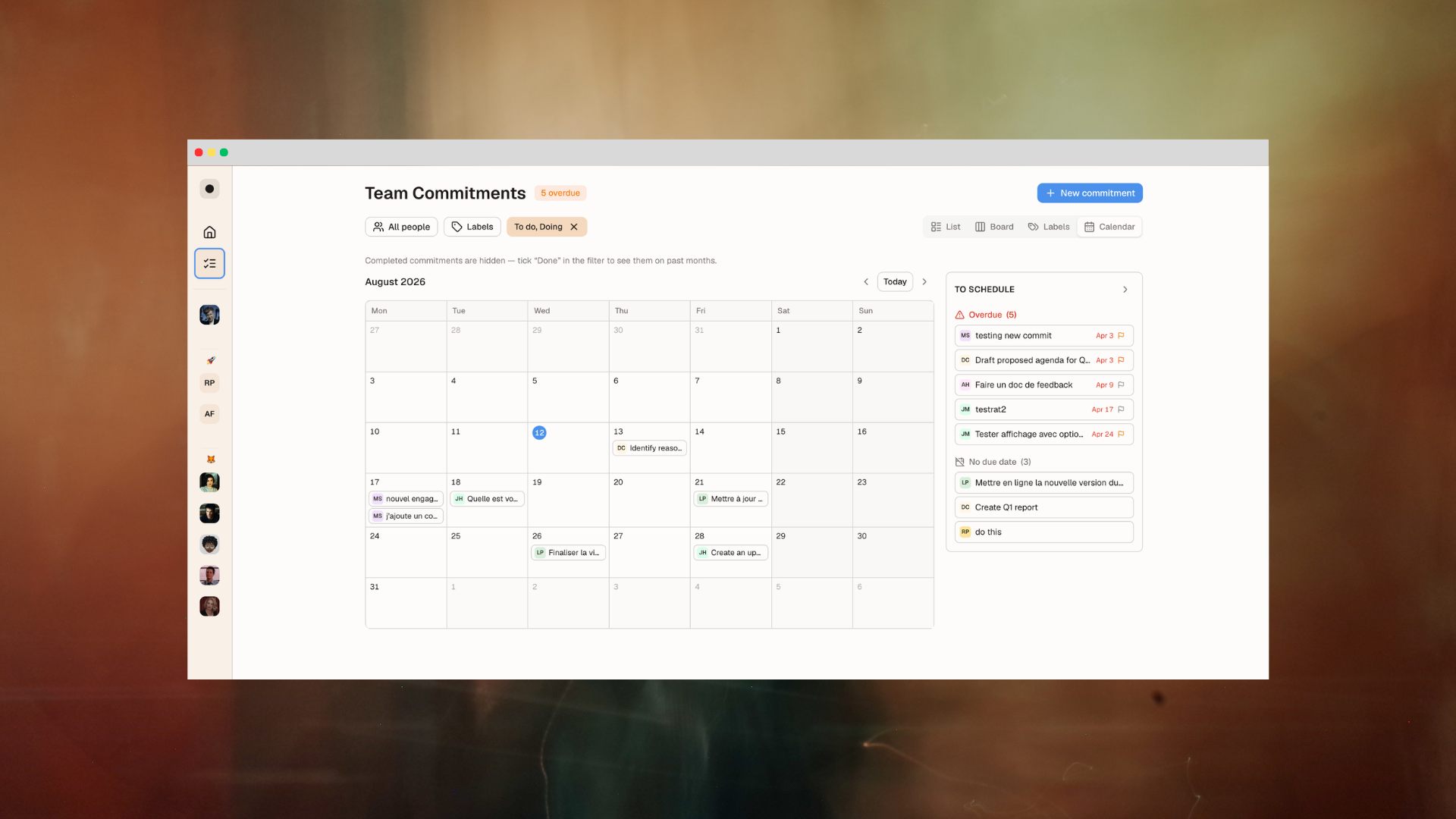
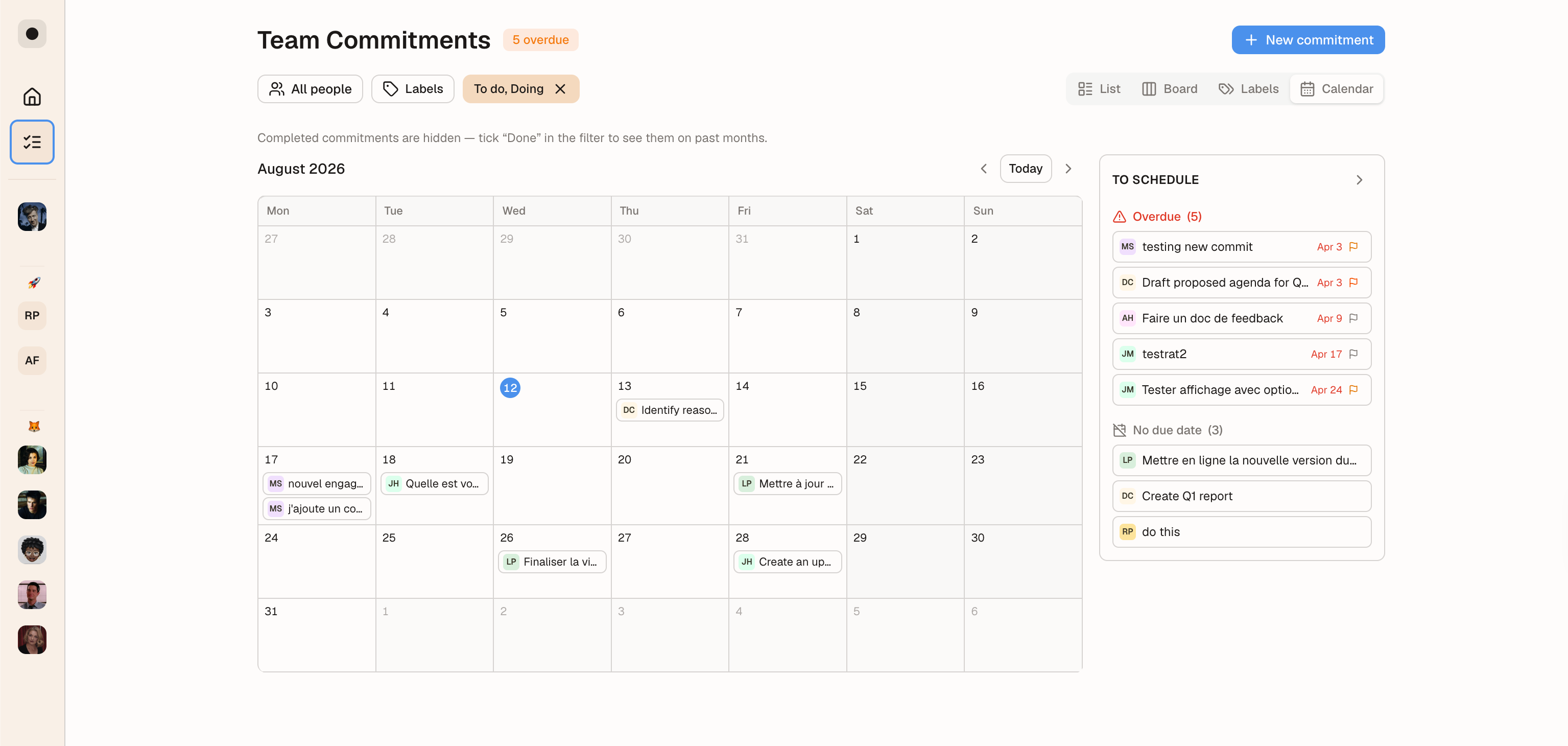
Another addition, managers now also have access to all their team’s action items from one tab. To access those, simply head over to the Action items tab in your team menu.

Other improvements:

  • Reduced loading time by 5 on the User & roles tab - this should benefit to Admins of large companies when editing their user base

If you’d like to know what we’re building next, check our product roadmap.

The Popwork team 🤟

Week 6 - Open action items counter ✅

Following up efficiently on action items is not an easy task. This is why this week's addition should be useful for many users.

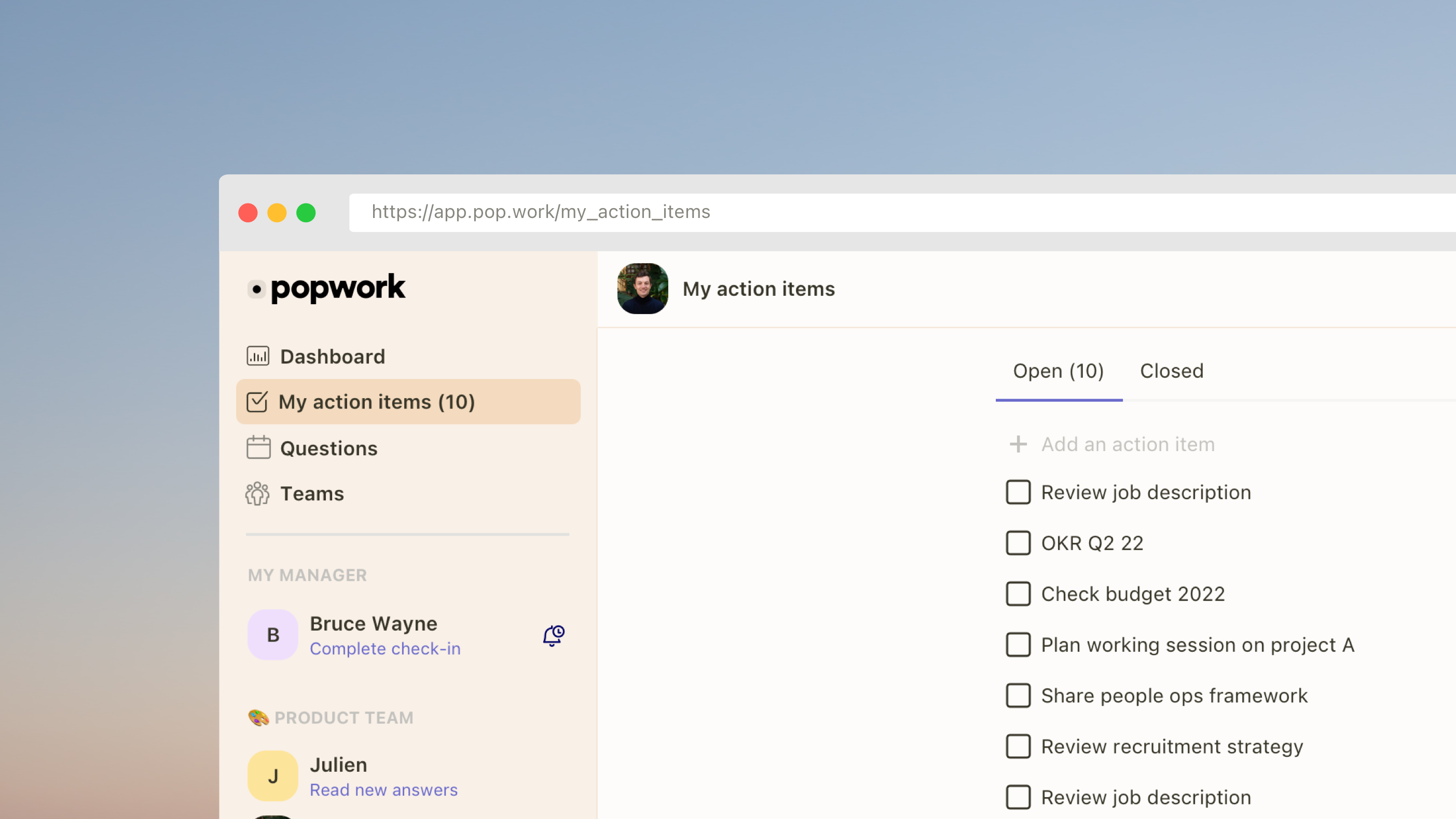
We have added an open action items counter, visible in the left menu. This helps managers and team members keep track of actions still to be completed.

An action items counter is also available on each team member’s profile under the ‘Action items’ tab.

Last but not least, when creating an action item, it is now assigned by default to the team member.

If you’d like to know what we’re building next, check our product roadmap.

The Popwork team 🤟

Earlier updates