Syncing Popwork with your calendar
How to connect Google Calendar or Microsoft Outlook to Popwork
Written By Johann Molinari
Last updated 13 days ago
This enables you to synchronize your 1:1 meetings on Popwork with your calendar. By connecting Popwork to your calendar:
📅 Planning: your 1:1 meetings on Popwork are created and synchronized in your calendar and team members' calendars
📝 Preparation: you are be able to access your team members' answers with one click directly from your calendar to prepare for the discussion
✋ Need to reschedule a 1:1 meeting? Simply edit the date and time in Popwork, and your calendar is automatically updated.
To connect Google Calendar, follow the steps below:
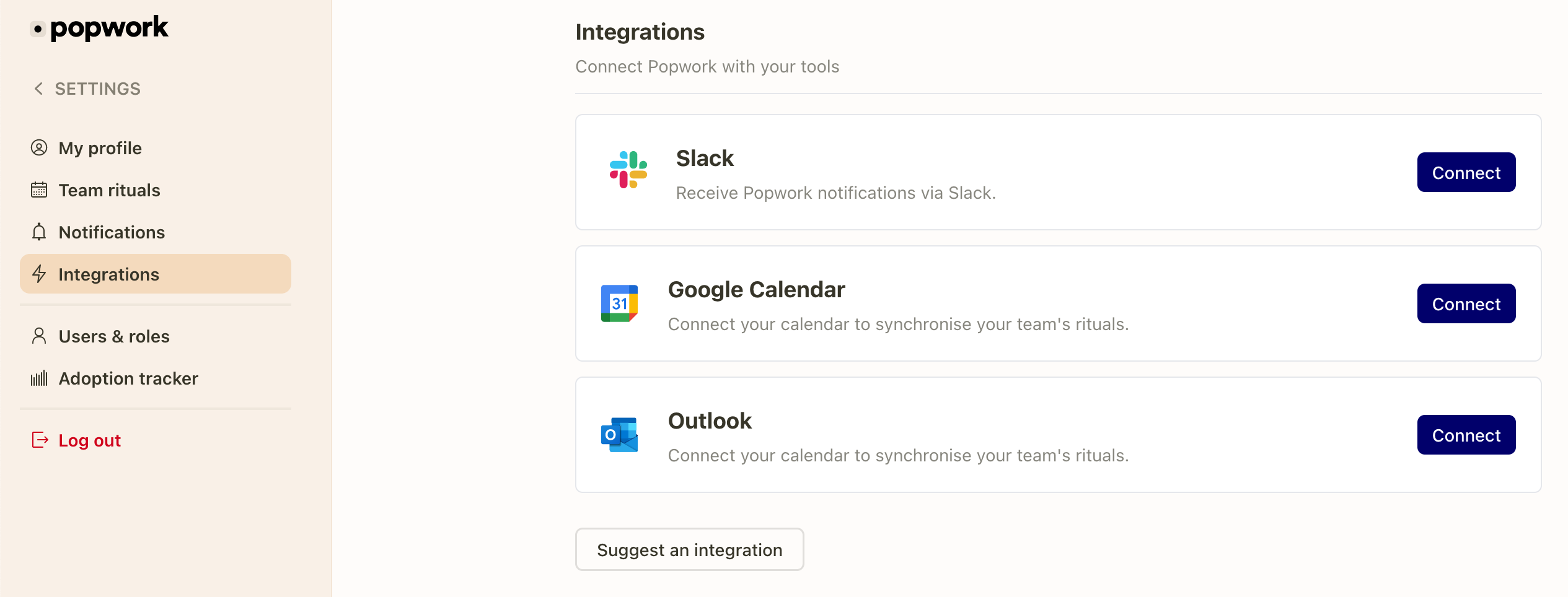
1. Connect the Google Calendar / Microsoft Outlook app from your settings
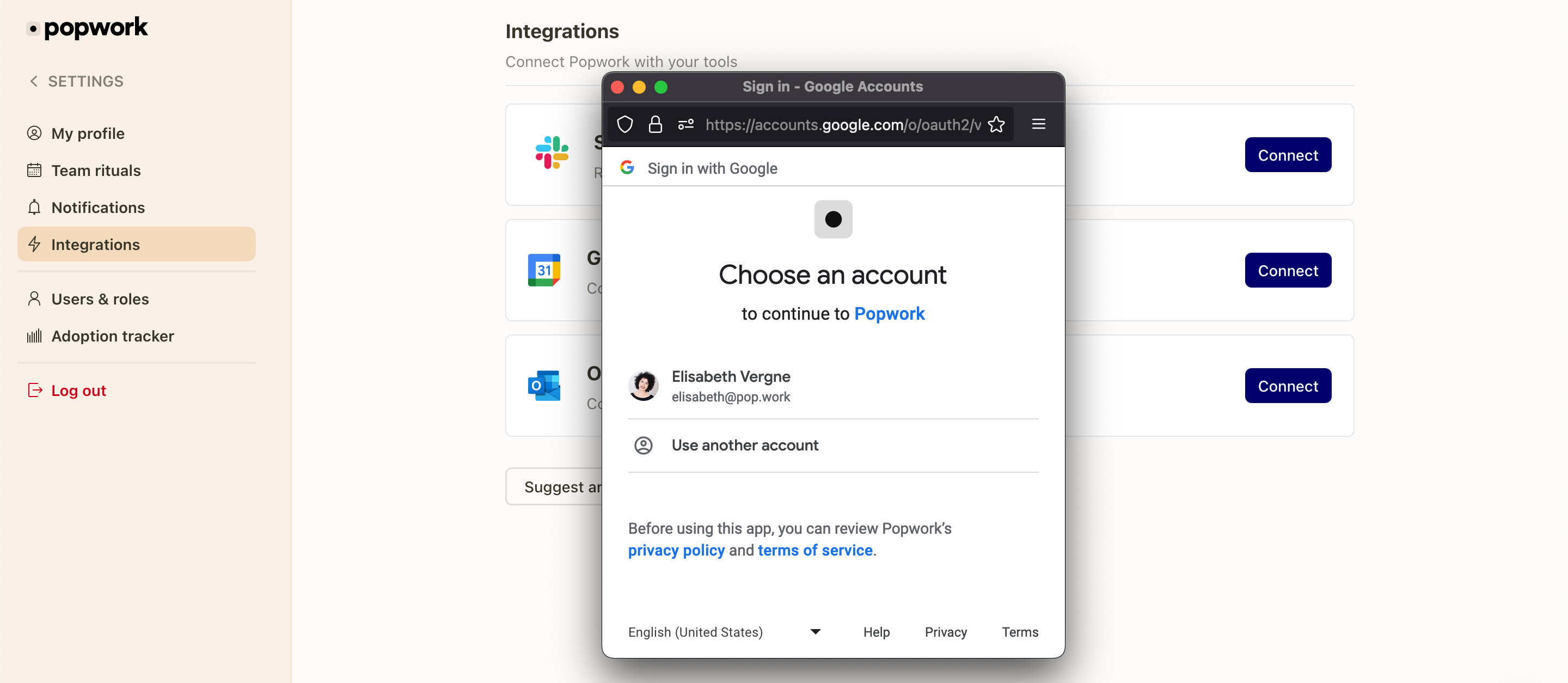
2. Sign in with your Google Calendar / Microsoft Outlook account
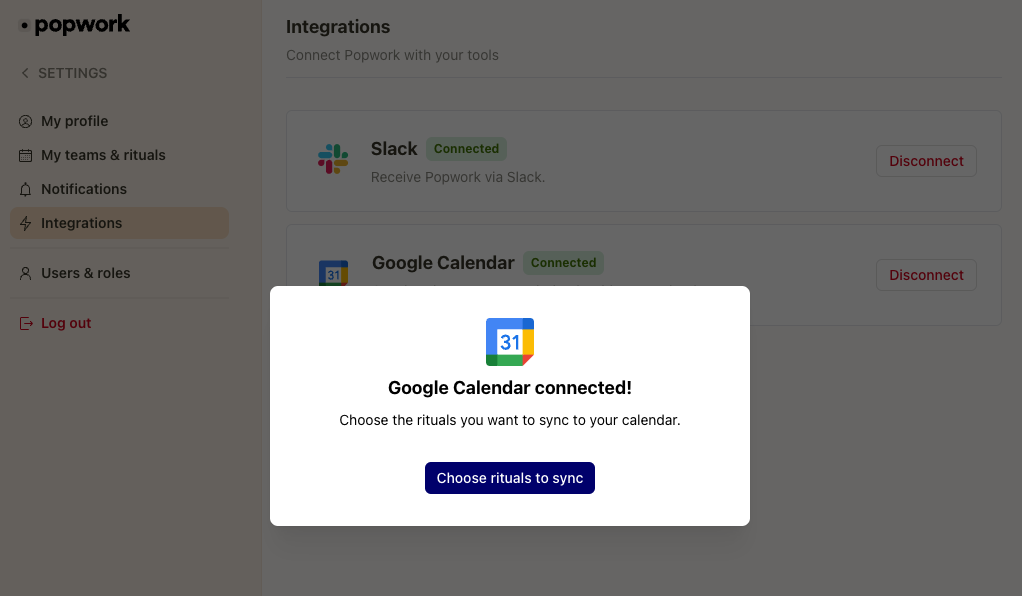
3. Choose the rituals you want to synchronize
4. Synchronize your 1:1 meetings with each team member and choose a time
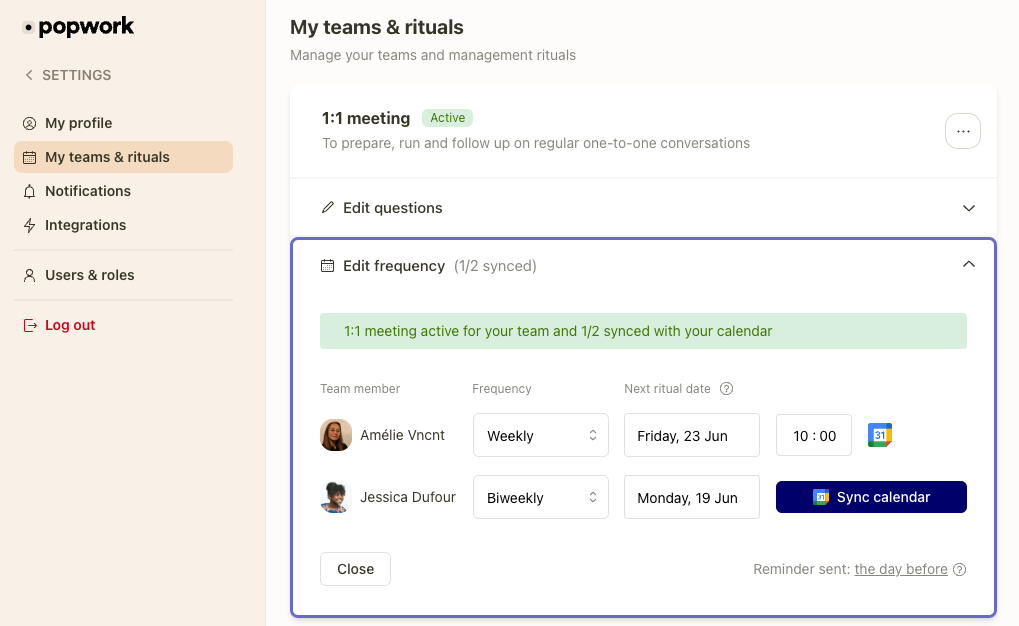
That's it! Events and invitations are automatically created in your calendars.
Note: if you already had recurring events in your calendar, don't forget to delete them.
Was this helpful?
Still need help? Ask the team