Add attachments, links, images to answers
Written By Johann Molinari
Last updated 13 days ago
You can add links, images and attachments to your answers. This allows you to share more details or give context to your manager.
To add a link: simply copy/paste your link directly into your reply. The link will then be automatically formatted.
To add an image / attachment: drag and drop it into the answer box.
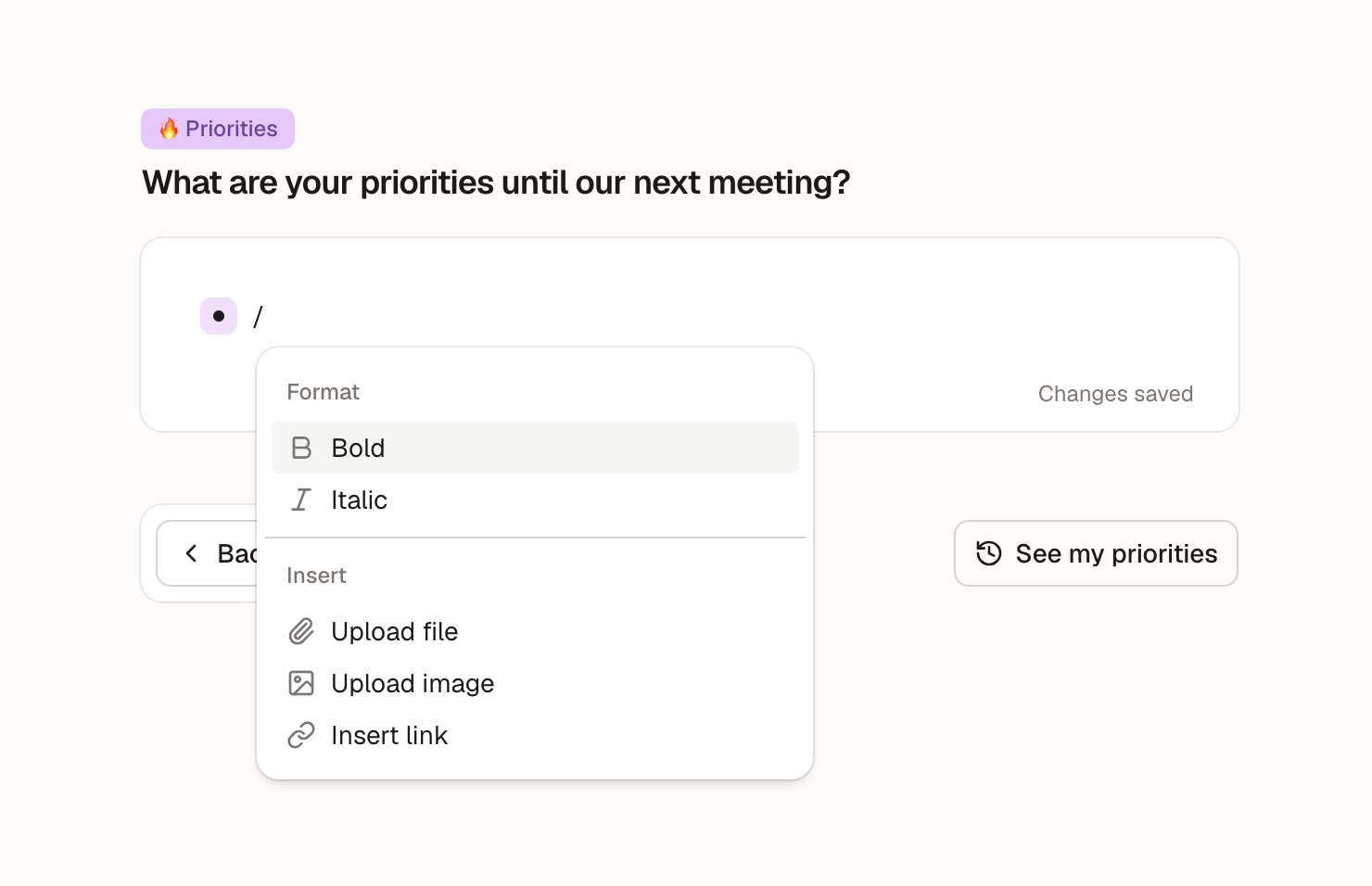
Or simply use the "/" command when typing your answer:
Was this helpful?
Still need help? Ask the team