Adding commitments on Popwork
Understanding how to create and follow up on action items
Written By Johann Molinari
Last updated 13 days ago
Smart commitments are a feature designed to help you follow up on one-to-one meetings efficiently.
It’s a best practice to write down commitments before walking out of a one-to-one meeting.
To do so on Popwork, simply hit the button “+ Add commitment” and type the action item.
You can assign an action item to each other and fix a due date. You can also follow up and check action items when they are completed.
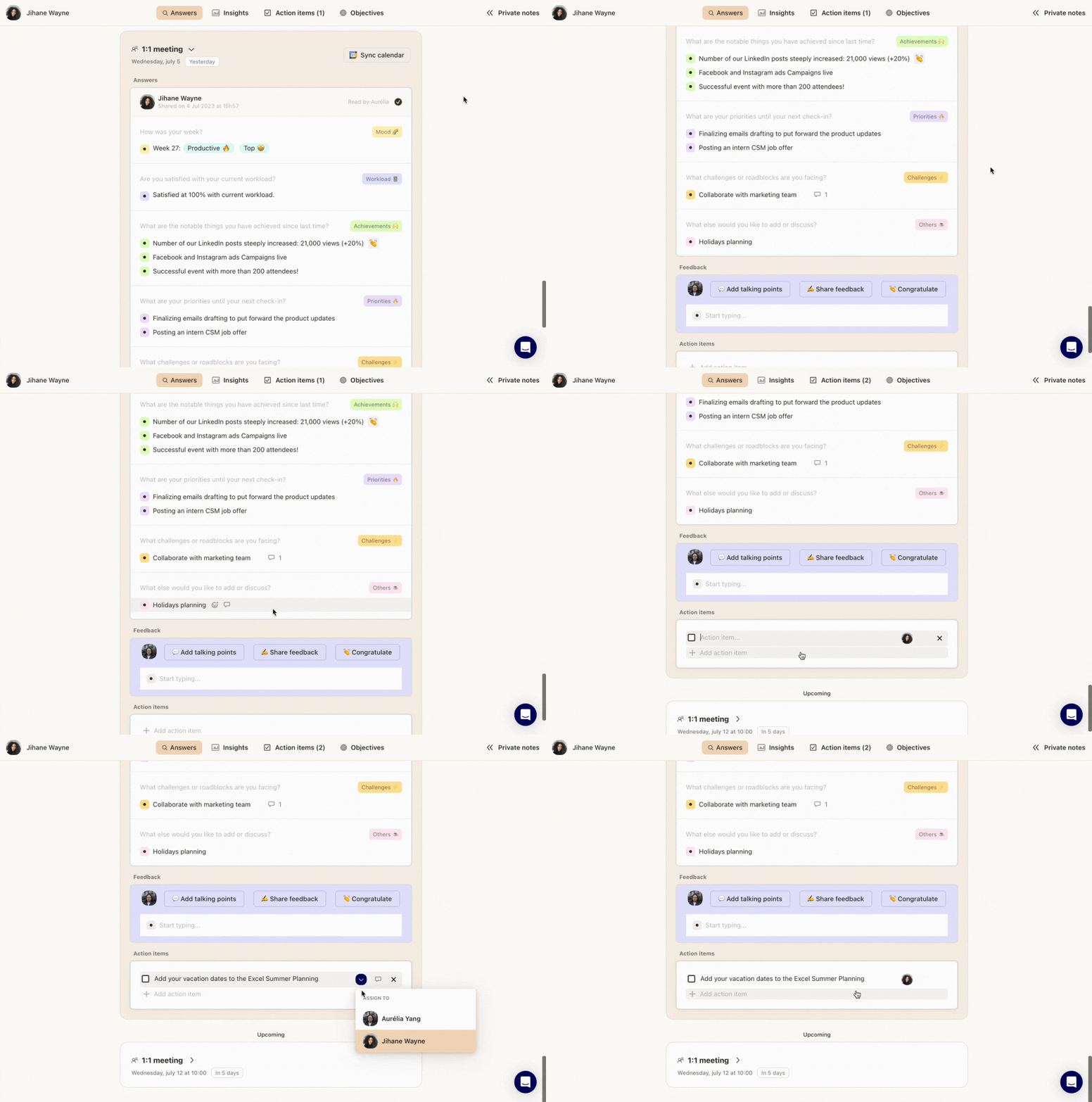
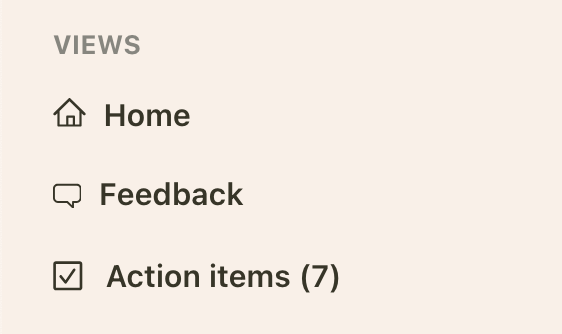
To find all current action items, select the "Commitments" tab at the top of your Popwork workspace:

You can also define personal commitments, and make your own "to-do-list", from the Commitments tab.
Was this helpful?
Still need help? Ask the team