Can I manage several teams on Popwork?
How to set up multiple teams with dedicated rituals on Popwork
Written By Johann Molinari
Last updated 13 days ago
If you manage different teams or a team with different profiles, you can set up several teams on Popwork.
Why?
Setting up different teams in Popwork enables you to customize your 1-to-1 ritual for each team.
How?
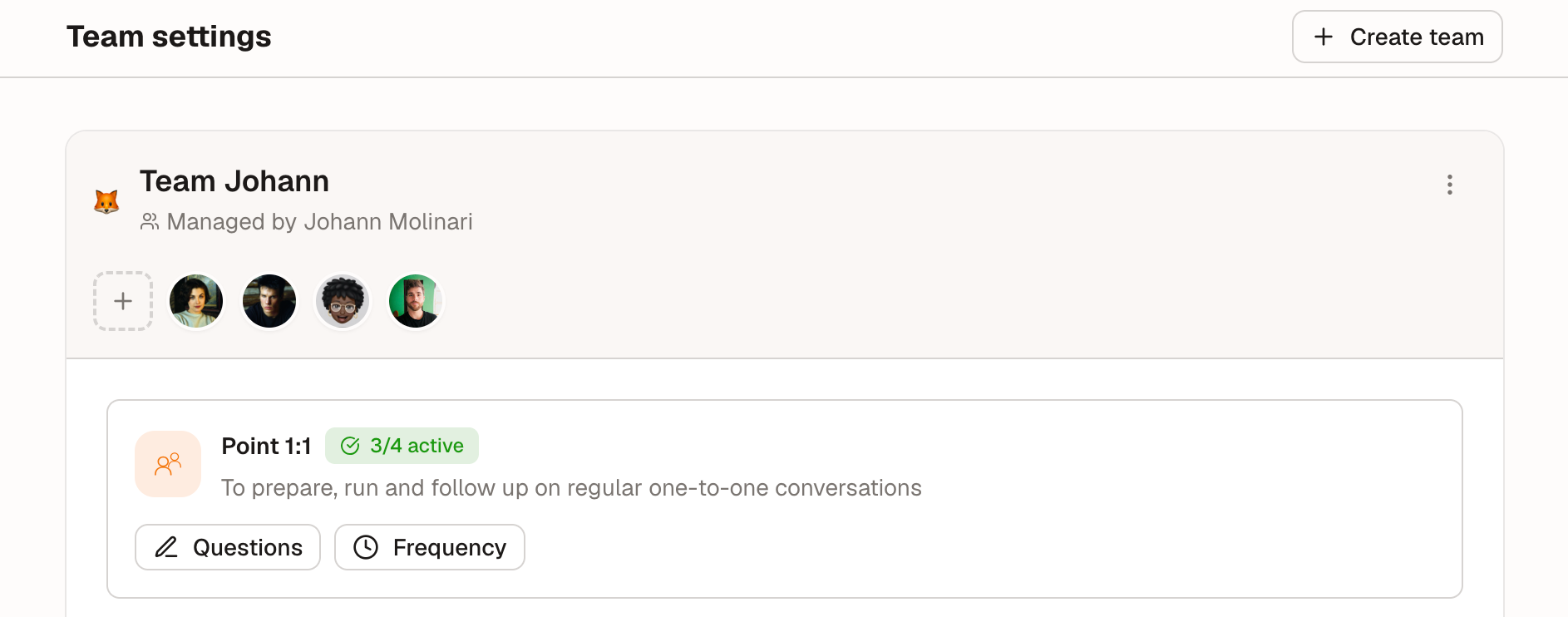
First, create your new team:
Settings > Team Settings
Click "Create a Team"
Name the new team
Then, customize the 1-to-1 meeting preparation questions:
New team > 1:1 meeting
Questions
If needed, don't forget to transfer team members from your first team to the new one by deleting users from the first team and adding them back in the new one.
Was this helpful?
Still need help? Ask the team